
Table of Contents
Keeping your network secure does not only mean you only have to protect your own computers but also possibility computers owned by the company you work for. These are some easy steps that can be made to help secure your network and keep it secured.
Changing Default Passwords
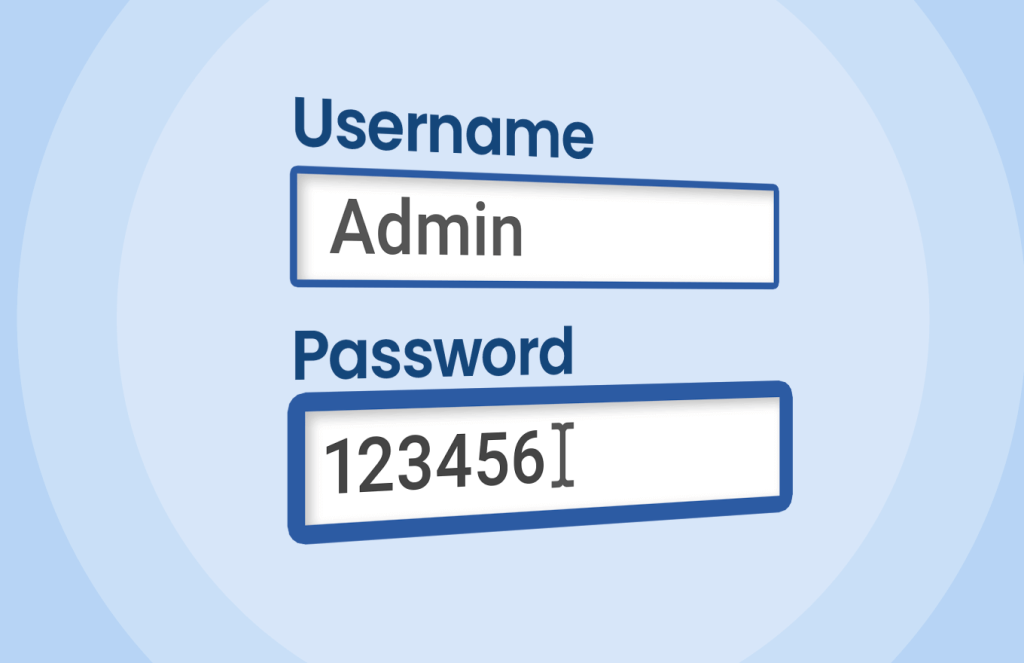
The first thing you do when you get a new router is change the default password. Pick something that is not in a dictionary. A word or phrase that is at least 15 characters long.
A lot of routers come with the default password, which is known and can be found in the router’s documentation. If they have access to your network they could access your router’s setting and change settings that benefits them, such as intercept traffic or modify traffic.
The second thing you should do choose a strong password for your network. Do not name your home network with your address in it. Pick something random or something private. Now for the password, again you should use a ten character password that includes a capital, lowercase and special characters.
Segmenting Your Network

The next task to ensure that your home network is safe is to segment your home network. This means making a guest wifi network for your visitors.
Segmenting your network means breaking up the network into segments, which limits the damage that a threat actor can do if they ever get inside your network.
If you get a virus on your home computer and then connect your work laptop to the same network, a hacker might be able to access or compromise your work laptop which means they could leverage the access to compromise your employer.
But if only connect your work computer to a WIFI network just for work, the malware on the home laptop will not even know that the work computer is connected to the network or if it exists because the computers in the work segment cannot ping the computer in the home network.
If you work from home, make a work network that you only use to work. Do not connect each network together. The guest, work and regular network should not be able to ping each other.
Keeping Your Router Updated

Check for updates every month, if possible enable a setting in the router that will update the device automatically. If you have to do it manually make sure you keep it update.
Threat actors are often scanning the internet for vulnerable routers that they turn into a bot for their botnet.
They might use your IP address to commit cyber crime or use your network to perform attacks on people or devices connected to your network.
If you rent your router from a company, every year or so contact your Internet provider and ask them if there is any upgrades available. Sometimes they will give you a new router because the router they originally gave you to rent has been discontinued.
The NSA recommends that you reboot your router regularly. This will could remove any backdoors that are ran in memory.
You should not use any Routers that are made by Chinese companies. The Chinese government could force a company that resides inside China to spy on user traffic or even have them put a backdoor into the router that could allow them to access your network or traffic.
Here is a list of common Chinese Routers:
- TP-Link
- Huawei
- Asus*
Asus is not a Chinese company but a company within Taiwan. Also do not buy routers from random companies or people on Ebay or Amazon. The device could be a counterfeit. Buy in person or directly from the company that makes the routers.
Turning On Auto Updates
Enabling Auto updates on your router or really any computer is a great idea and will help you stay protected. You should still check to make sure it is working by manually testing it.
Also sometimes you will need to manually update the device. This might cause a few minutes of downtime.
Disabling The Risky Features

Risky features include but not limited to any remote access services, Wi-Fi Protected Setup which could be used to brute force the network which would give them unauthorized access to the network. Six digits pin have 1,000,000 possible combinations from 000000 to 999999.
Another feature that is really risky is the Universal Plug and Play feature. This allows devices that are locally open router ports without the user approval.
This is dangerous because a malicious software that was installed on the computer or device could use this feature to open a port on your router would could be used as a method to bypass the router’s firewall.
This feature could also be used to mess with DNS settings on the router that would allow the threat actor to steal data, cookies or even to redirect you to phishing sites instead of the real site.
Using Strong Wifi Encryption
If possible on your router, enable either WPA3 or WPA2. This makes it harder for certain encryption attacks against the Wi-Fi network. Which makes it harder to crack the password of the Wi-Fi.
Picking The SSID or WIFI Name
When picking a SSID also known as WIFI name, it is important to not use any data that can be used to locate the house hold behind the network. Like do not name it the WIFI network the address of your house.
Do not make name it something like “Meade Network”. Pick a name that has zero ties to your physical location. Do not make the name or password to your network your pet name.
Be Careful What Devices You Put On Your Network
Do not allow any device to be able to use your network. Before buying a product like a camera or TV streaming box, Do some research on the device and make sure that it can be trusted and other people have not complained that they have detected strange activity coming from these devices. If you do set up a camera or really any type of device. Make sure you change the default password.
With Streaming boxes they look really good, who wouldn’t want to be able to access unlimited of movies or tv shows. But a lot of time they are either come with malware, will turn your network into a proxy or open ports up on your network that will leave your network open for hackers.
A proxy that is used by cyber criminals to shied their real IP. Home networks are a target for cyber criminals because they usually have residential IP.
Residential IP are like gold to hackers because they can be used to hide their real IP and they sell certain locations to certain threat actors that need to be in a certain area to not set off bells and whistles. Like say the hackers are targeting a company that HQ is in Albany, NY.
They can not use a proxy from Florida because it would look suspicious for someone in Florida to login into the company. So a hacker would choose a Proxy that is near or in Albany.
Nation State hackers have been known to use proxies that are residential because it makes it harder to attribute the actions to a China. They will often target small businesses or home routers because they are usually not updated and have vulnerabilities that they can exploit to get a foothold in the network.
Just putting a streaming box purchased off Amazon, Walmart, BestBuy or other store inside your network can give you headaches. It could ruin the reputation of your IP. Meaning some sites will block you on default because your IP has a history of being malicious.
Your ISP could ban you from their service because they detected strange behaviors or someone has complain to your ISP.
Also not only reputation damage could be done but you could be spending more in bandwidth because they are using your internet connection to route large amount of traffic through your network.
This includes being picky what you download on your computer. Malware might be able to move within your network if its not segmented and modify the Router Wi-Fi.