
If you want to read the write up from one of my other writeups from a CTF please see this link.
Blank Challenge
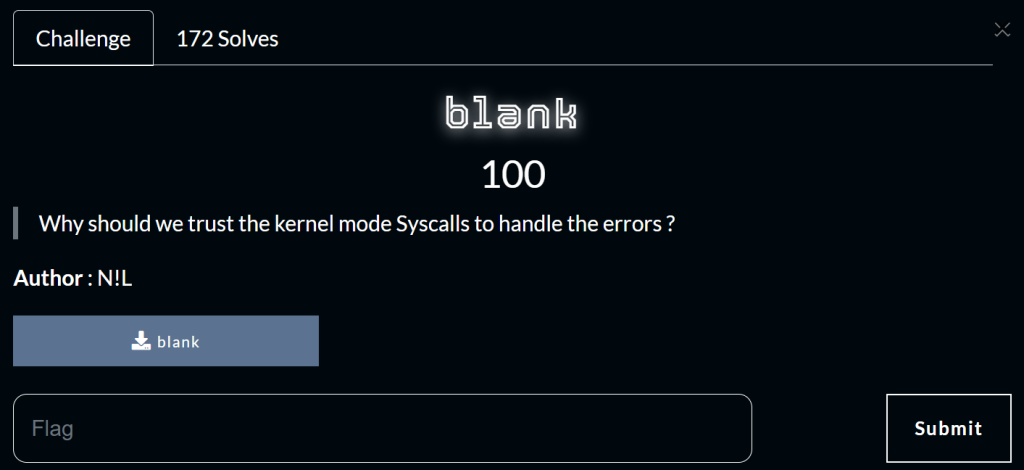
The challenge category is reverse and is worth 100 points. The snippet below shows information about the file.
blank: ELF 64-bit LSB executable, x86-64, version 1 (GNU/Linux), statically linked, BuildID[sha1]=dd5540069cd2b0a60436a7b4df1e2f912fa5425d, for GNU/Linux 3.2.0, not strippedI used the file command to get this information. It shows that the file was not stripped and that it is statically linked. The description of the challenges mentioned syscalls so I automatically thought of the tool strace which according to Wikipedia, “monitor and tamper with interactions between processes and the Linux kernel, which include system calls, signal deliveries, and changes of process state.” . I ran the binary with strace and the output is shown below.
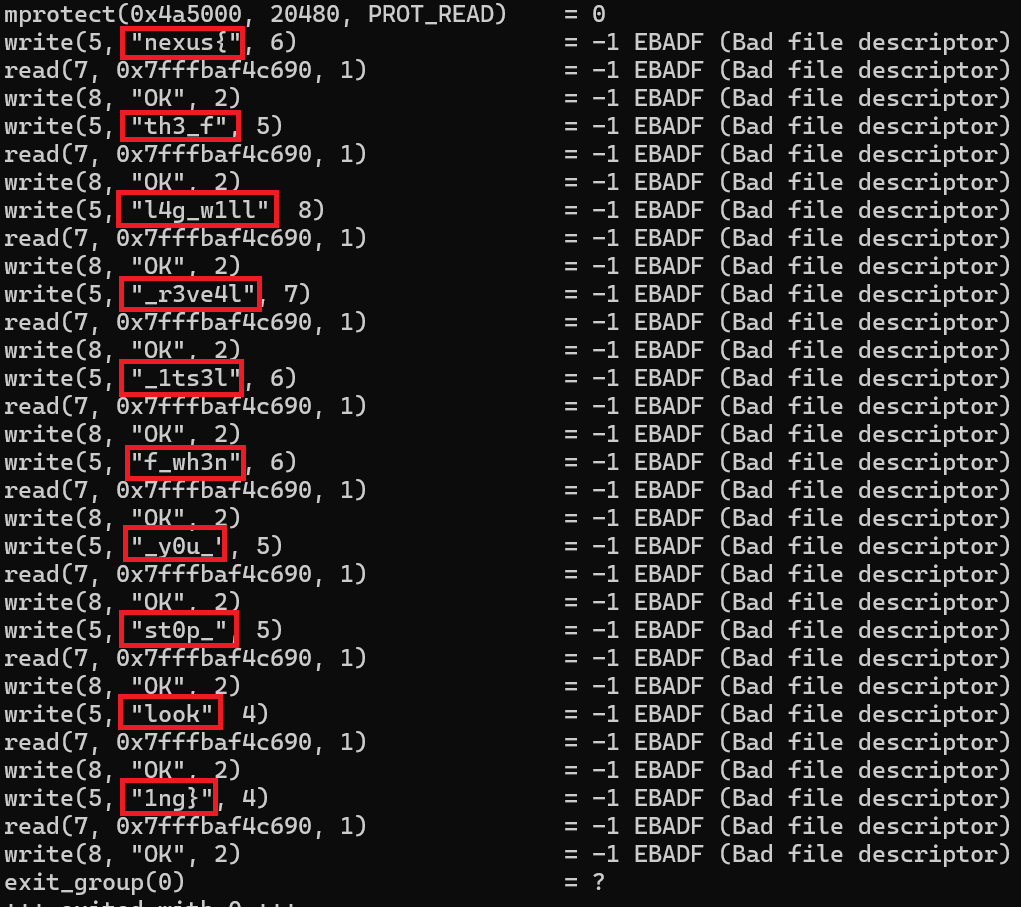
What caught my eye was that it stared with nexus{ which is the flags prefix. Together the words in the red box makes up the flag for the challenge. This challenge also made me add strace to my CTF-Pal program that I am working on.
Allo! Challenge
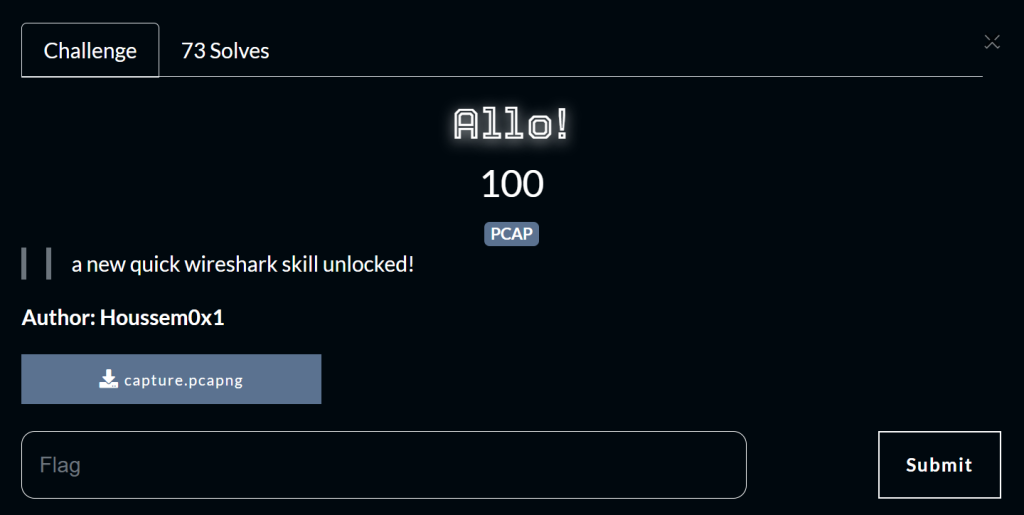
This challenge gives us a pcapng file from the network tool named Wireshark.
I first checked for HTTP, HTTPS and FTP traffic but nothing was found.
I also used the search function to look for the flag prefix, with no avail.
So next I went through the different settings Wireshark has. Then after I saw traffic categorized as SIP, RTP and RTCP.
I was not aware what type of protocols they were so I Googled them and learned that they were for VOIP. Which means like you could listen to phone calls which probably will contain the flag.
RTCP uses encryption so I figured that we were not able to listen to those calls, but RTP does not use encryption. RTP is used for audio and video over the internet.
The protocol was invented in 1996 but the method of VOIP was being researched as early as 1977. RTP uses UDP which makes sense because it often used with videos and audio because it does not guarantee the delivery of packets which is why a video might buffer a bit sometimes because it is waiting for the next packet to show the video.
Also unlike TCP, there are no handshakes involved, UDP will just send packets. Even if one is missing it will keep sending the next packet. The purple box shows the telecommuting protocols that are being used.
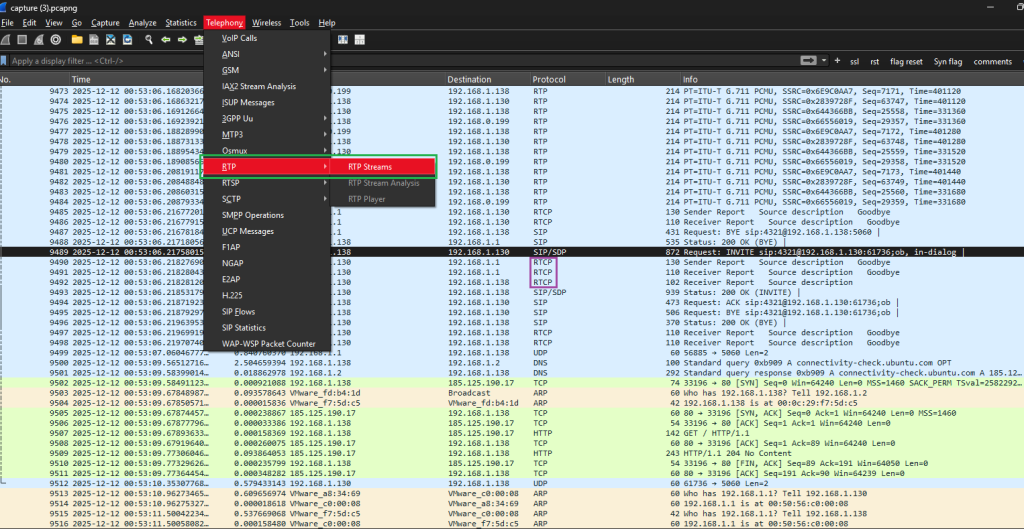
The screenshot above show the clicking of the Telephoning menu and clicking RTP, then clicking RTP streaming.
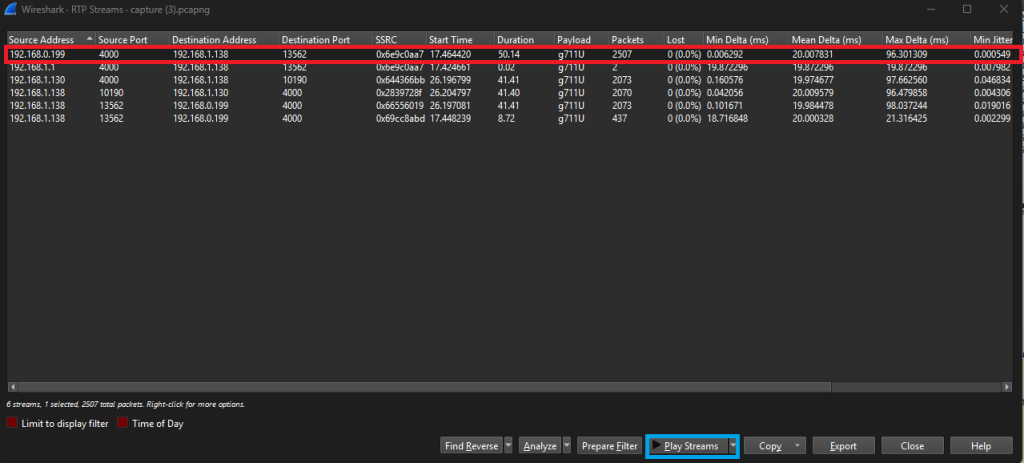
The first entry in the table within the red box shows a voice call that was 50 seconds long. The blue box will play the recorded call. The Source IP is 192.168.0.199 to the destination IP of 192.168.1.136.
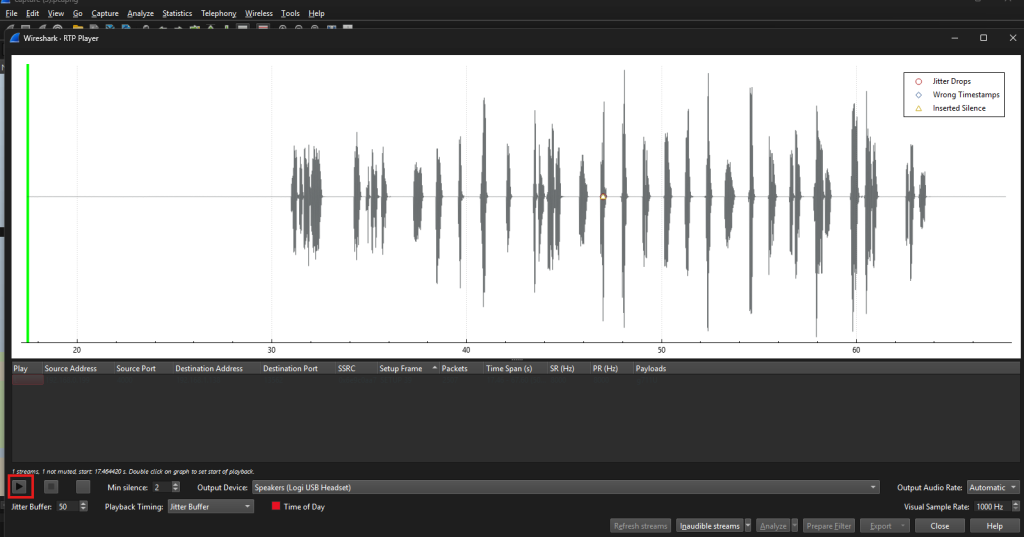
After clicking the “play stream” the image above popped up which contained a recording of a voice call. After clicking the play button a voice could be heard that gave the flag!
Special Horse Challenge
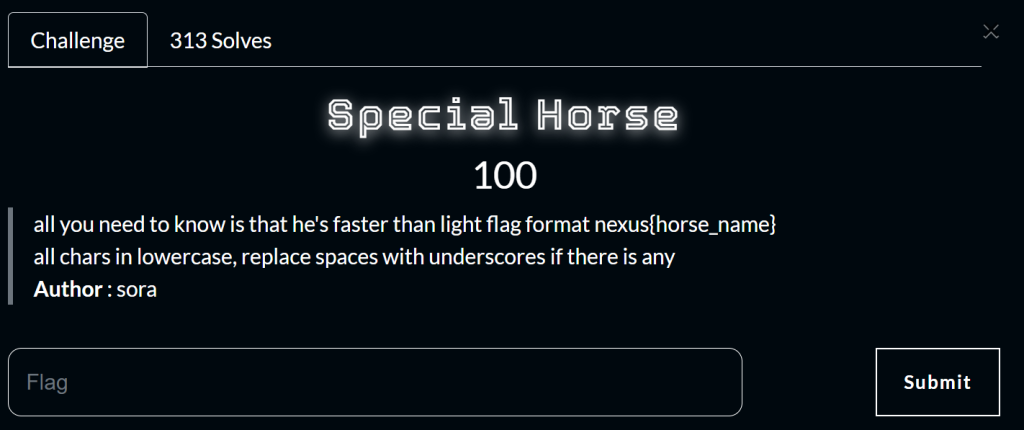
This was a OSINT challenge. OSINT stands for Open Source Intelligence, which means that the goal of it is to use open source resources to find information about a topic. This means using data from social media or any sources that are open and accessible.
The goal of this challenge is to use the internet to find the name of the horse. The challenge was worth 100 points.
The flag was:
nexus{agnes_tachyon}